
Differential Growth
In this Kangaroo Grasshopper tutorial, you’ll learn how to create a differential growth pattern on any mesh surface by projecting
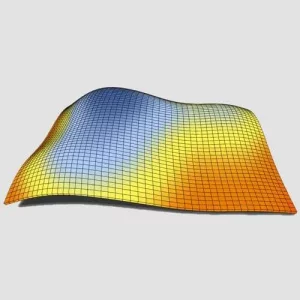
In this tutorial, I will explain how you can use Gradient to color a set of panels based on their height.
Duration : 13 Minutes
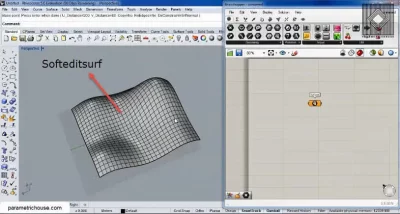
In the first step, we can make a rectangular surface in Rhino and deform it by “softeditsrf”.
Next, we import the surface into Grasshopper 3d (Params>geometry>surface). We can divide the surface into panels by using “isotrim” (Surface>util). Isotrim can be combined by “Divide Domain2″(Maths>Domain) to divide the surface into subsurfaces.
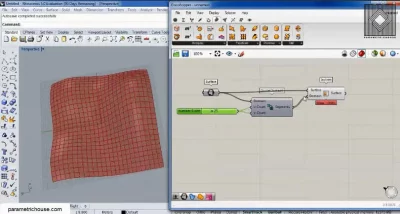
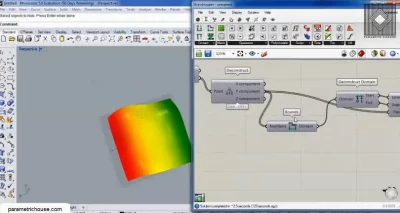
To colour the panels based on their height we need their “Z coordinate”. We can have their centroids (Surface> analysis) and then extract the z coordinate by “deconstruct point” (vector>point).
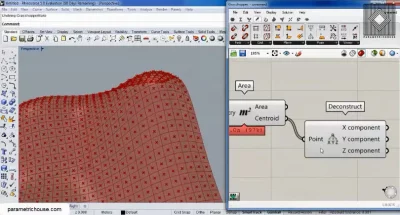
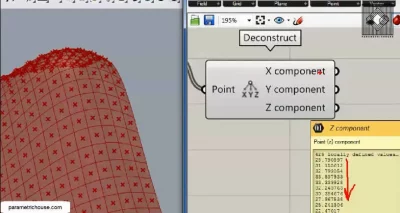
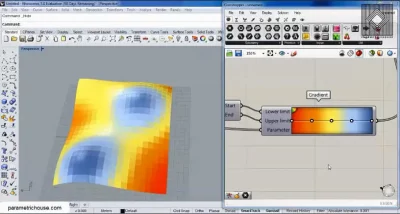
“Gradient” (Params>input) has three inputs. First is the “Lower limit” which is the starting colour of the gradient and obviously the “upper limit” is the last colour. “Parameter” is the colour we want. We need the minimum height for the lower limit and the maximum for the upper limit. We can use the “Bounds” (Maths>domain) to extract the domain of the z coordinates. By using the “deconstruct domain” (Maths>domain) we can have the start and end numbers of the domain.
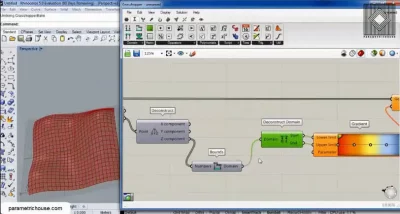
By giving the “z coordinate” of the points to the gradient’s “parameter” we can have the right colour.
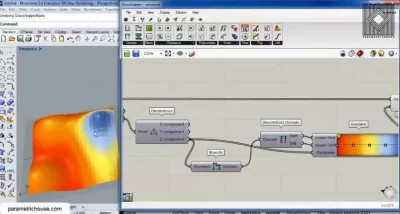
At the end, we can connect the Gradient to a “custom preview ” (display > preview) and give the panels (isotrim output) the “geometry”.
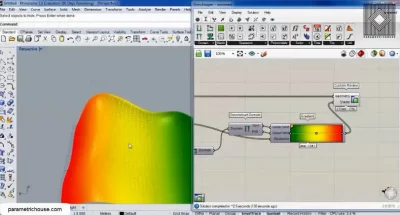
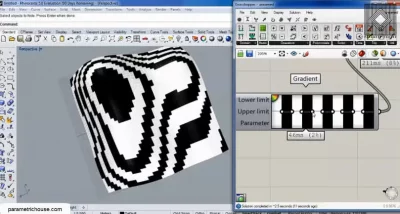
If we give the “y component” of the points we can see that the panels will be colourd based on their y coordinates.
In this Kangaroo Grasshopper tutorial, you’ll learn how to create a differential growth pattern on any mesh surface by projecting
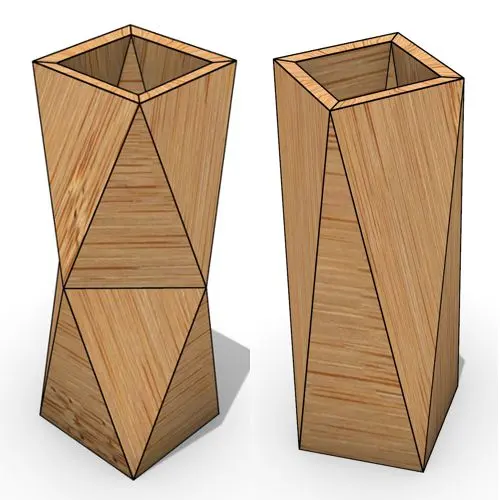
In this Grasshopper beginner tutorial, you’ll learn how to design a parametric vase with triangular faces, fully controllable height, thickness,
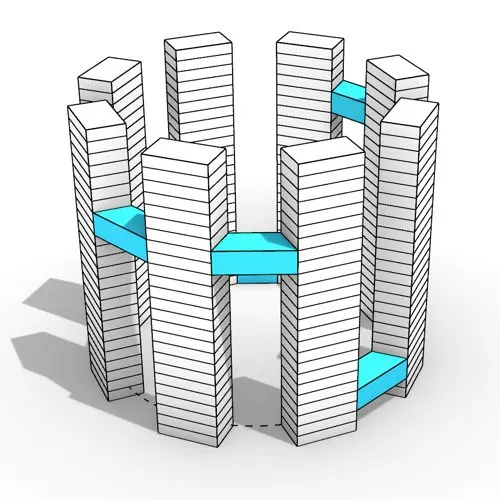
In this Grasshopper tutorial, you’ll learn how to design a series of parametric towers arranged around a curve and connect

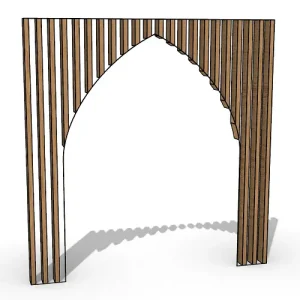
In this Grasshopper tutorial, you’ll learn how to design a parametric wall using solid difference and contour techniques.

In this Grasshopper example file, you can model an exoskeleton Mesh structure with entwined curves parametrically.

In this Rhino Grasshopper tutorial for beginners, you’ll learn how to model a parametric Voronoi MultiPipe SubD structure on a
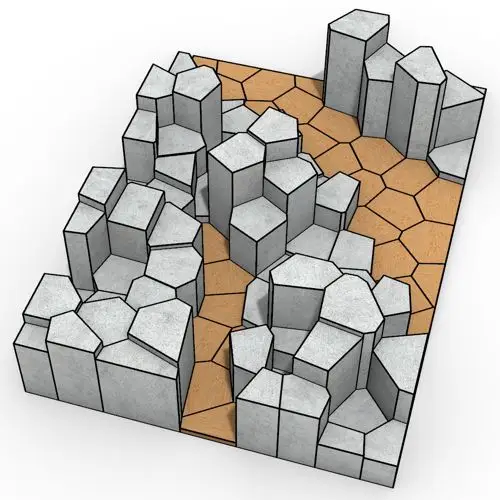
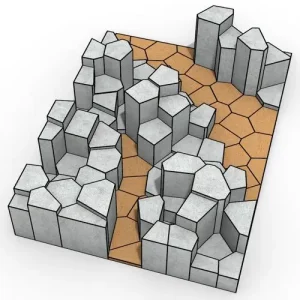
In this Rhino Grasshopper tutorial, you will learn how to create a series of randomly extruded voronoi cells and then
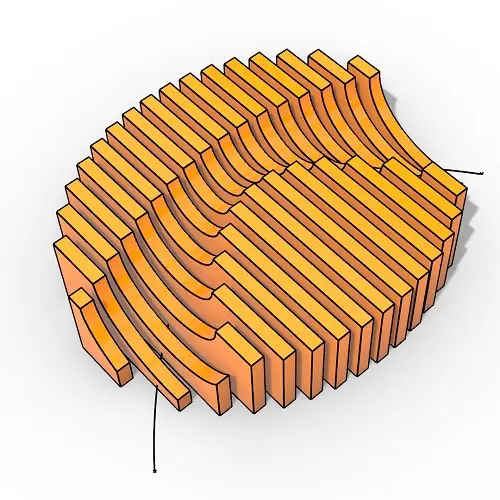
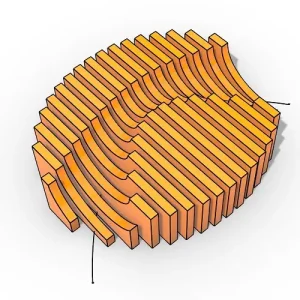
In this Rhino Grasshopper tutorial, you will learn how to generate parametric contour sections created from a closed boundary curve
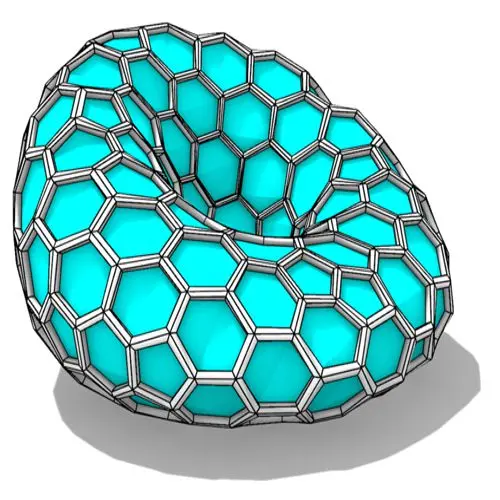
In this Grasshopper tutorial, you’ll learn how to create a parametric form by defining a base polygon and converting it
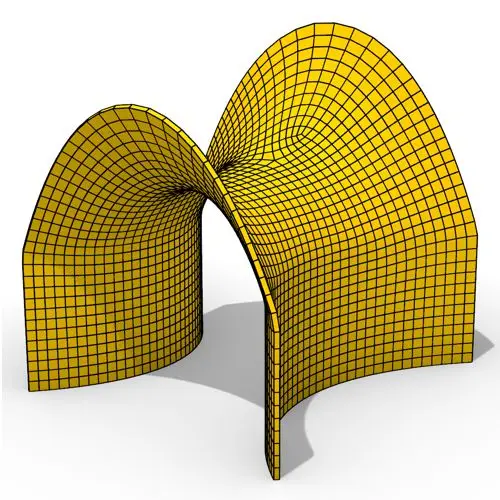
In this Grasshopper tutorial, you’ll learn how to create a minimal surface generated from a series of catenary curves using
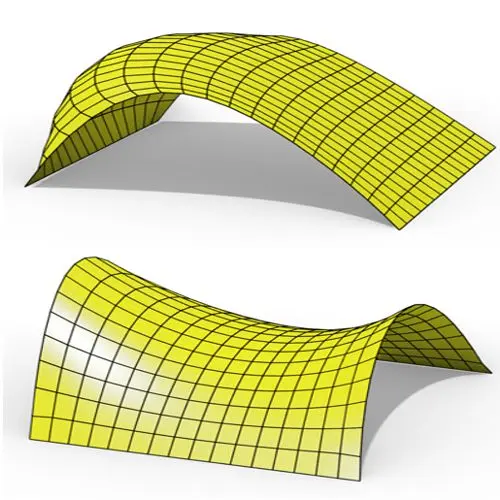
In this Grasshopper Kangaroo tutorial, you’ll learn how to create a parametric mesh and deform it using wind forces and
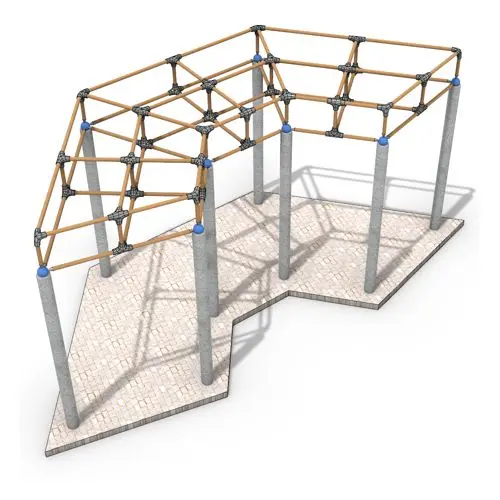
In this Grasshopper tutorial, you’ll learn how to create a simple two-layer Vierendeel space frame structure by defining any four-sided
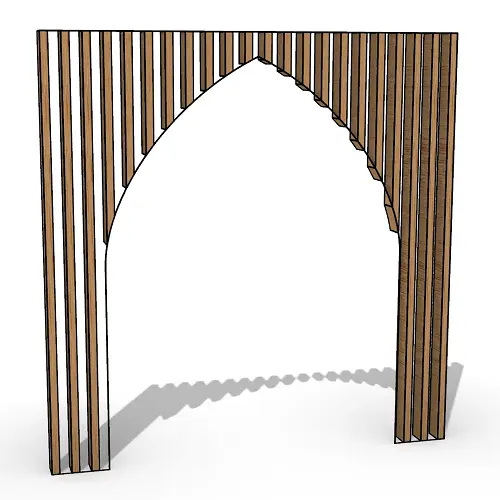
In this Rhino Grasshopper tutorial for beginners, you will learn how to generate a series of vertical boxes inside a
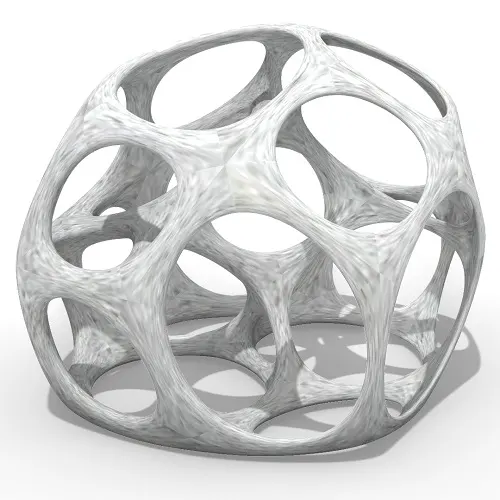
In this Grasshopper tutorial for beginners you will learn how to relax a series of 3d voronoi cells inside a
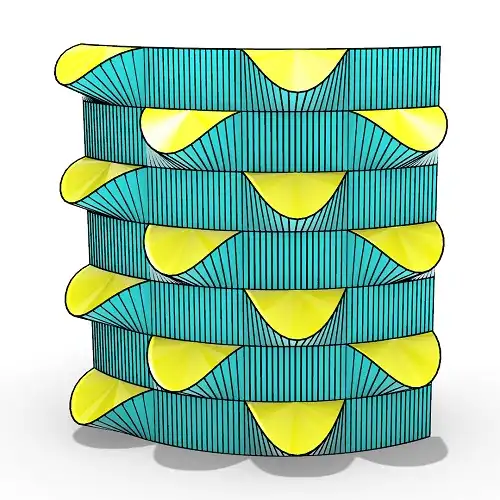
In this grasshopper tutorial for beginners you will learn how to make a series of openings on a Nurbs surface
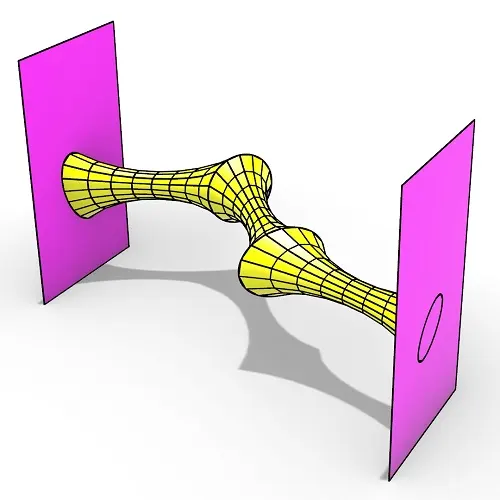
In this Rhino Grasshopper tutorial for beginners you can learn how to make a series of relaxing meshes based on
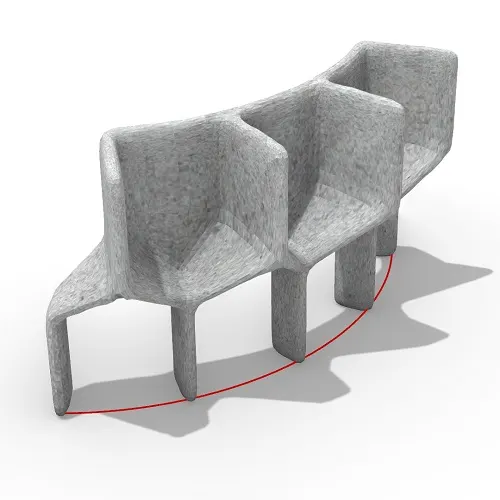
In this grasshopper tutorial for beginners you will learn how to convert a series of simple Nurbs & Mesh geometries
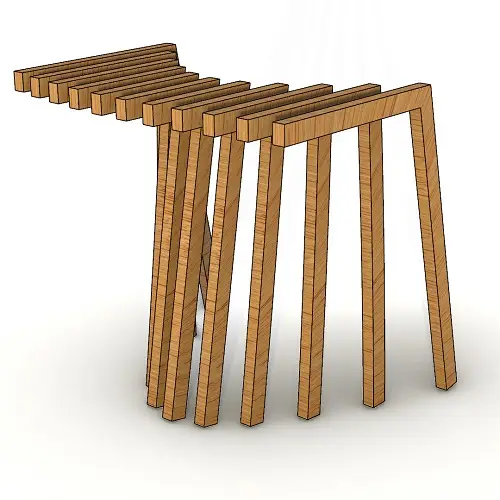
In this Rhino Grasshopper tutorial for beginners, you’ll learn how to create a series of contours by just defining a
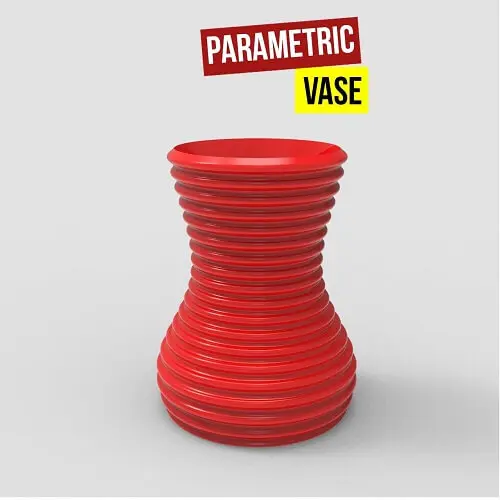
In this Paracourse Lesson (25 Minutes), You can learn how to model a parametric vase by using a Perlin Noise
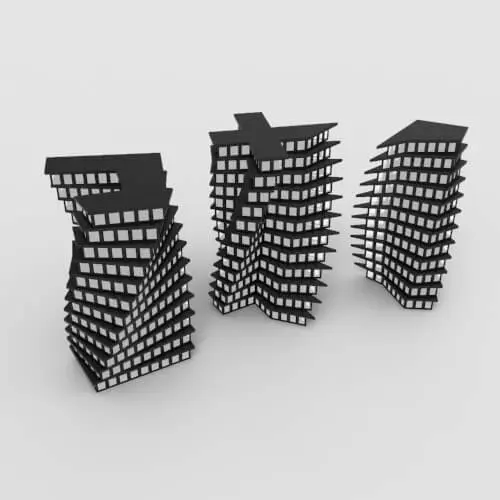
In this Grasshopper lesson, I will talk about managing output data with a turning tower example. First I,m going to
In the introductory lesson, we’ll explore the Grasshopper 1.0 canvas and familiarize ourselves with its fundamental features.
Now we have learned the basics of the canvas we will take a look at the most important aspect of
Now we will learn how to manage data with more tools like list length , partition list and simplify.
After learning about the Partition list, it’s time to learn how to destroy the data trees with flatten and also
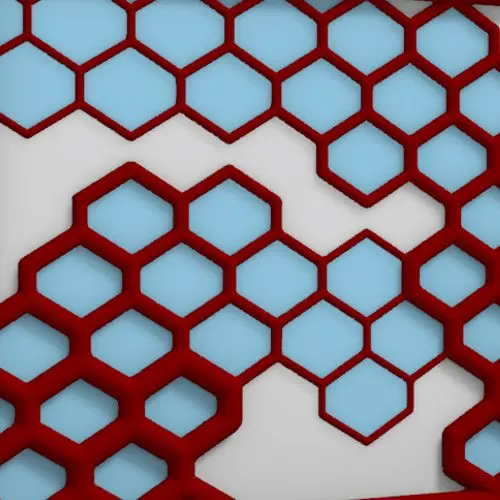
In this Grasshopper example file, you can design a parametric facade with variable-thickness hexagonal cells.
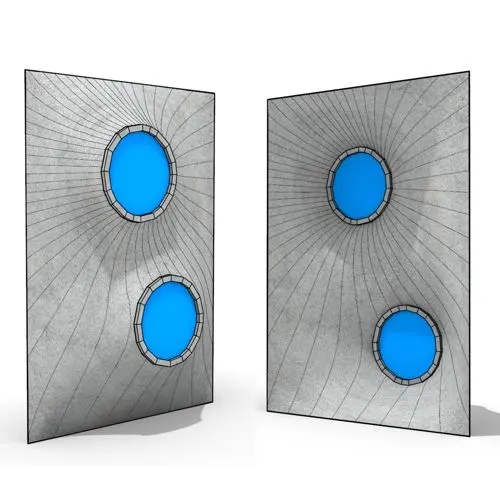
In this Grasshopper example file, you can model and simulate a parametric facade with free-form openings using the mesh relaxation
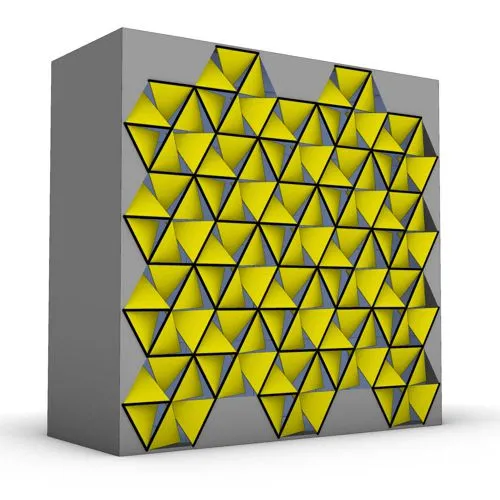
In this grasshopper example file, you can use a hexagonal module to model a parametric facade.
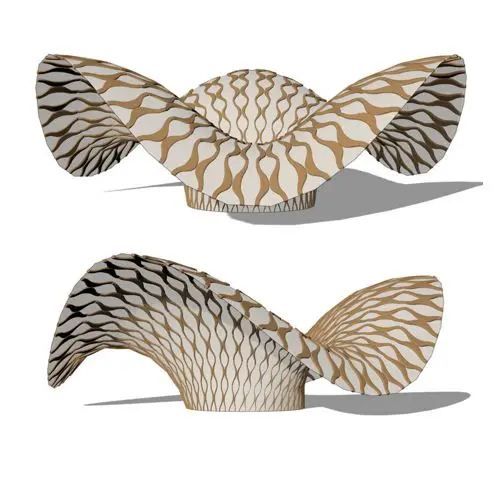
In this grasshopper example file, you can use the morph components to apply a 3d wave pattern on a mesh.
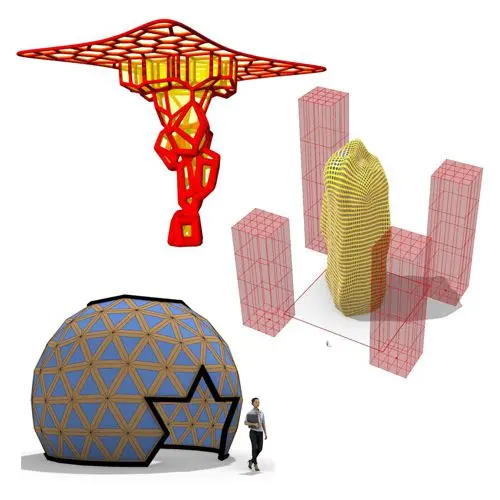
In these Grasshopper example files, you can design a parametric geodesic dome with customizable openings, generate optimized tower forms using

In this Grasshopper example file, you can create relaxing Voronoi cells on a facade , a blobby form with a

Reviews
There are no reviews yet.