Differential Growth
In this Kangaroo Grasshopper tutorial, you’ll learn how to create a differential growth pattern on any mesh surface by projecting
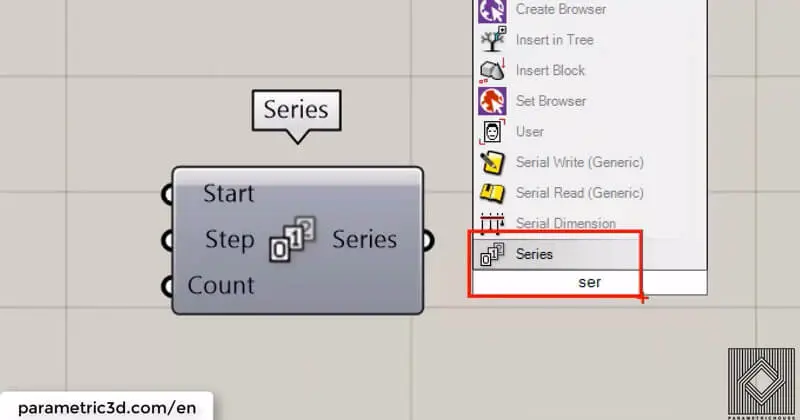
You can find Series in Sets> Sequence section of the tools. It’s located under Range and Similar tools are Random, Fibonacci and Sequence. This tutorial is about how series can help you produce parametric geometry.first of all, you can easily search “SER”, to find the series.
Duration : 16 Minutes
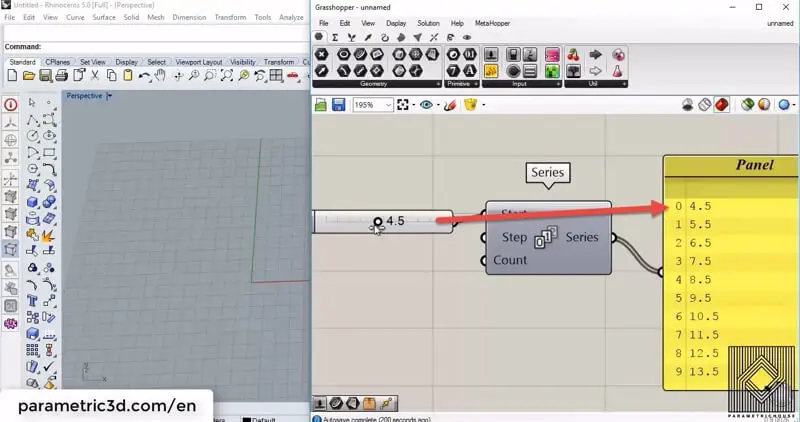
The first input is “Start” and defines the starting number.
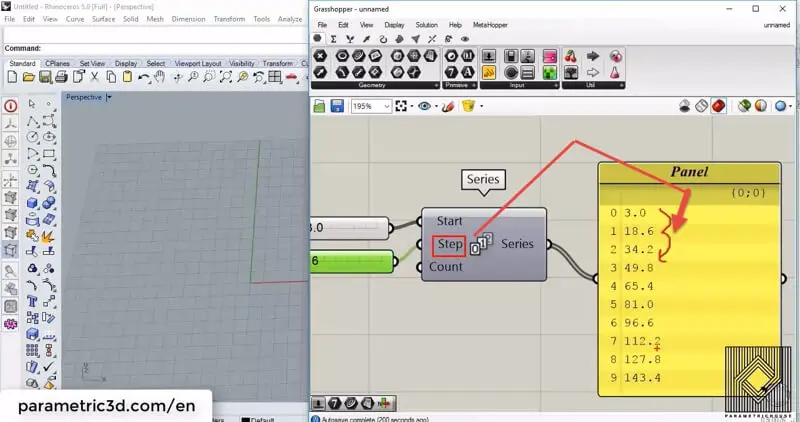
Second is “Step” which tells how the numbers increase.
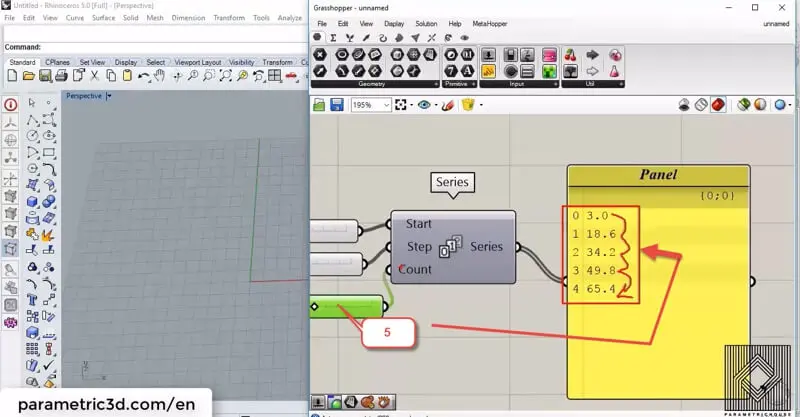
The last input is “Count” which actually tells how many numbers are coming out the series. You can see the output by connecting a panel (Params>Input) to the output.
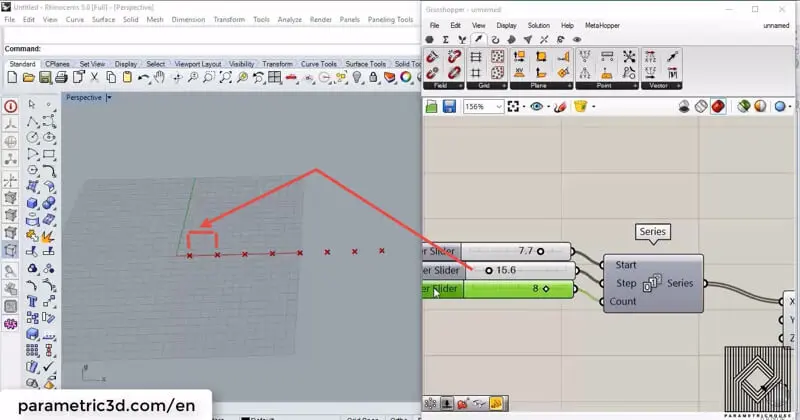
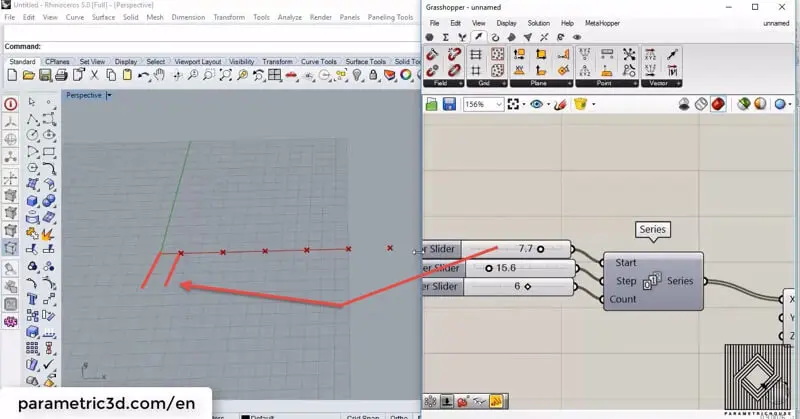
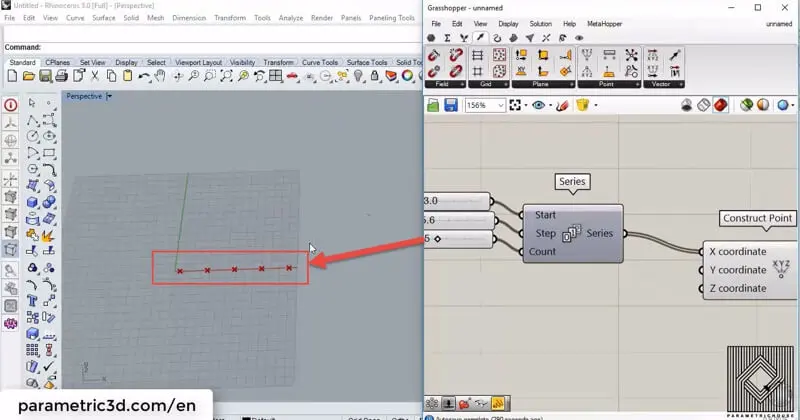
The first example I,m going to show is using series to manage points. By connecting the series to the “x coordinate” of a “construct point” tool (Vector>Point) we can have a series of points. The number of points is determined by the count of the series
The “Start” will define the x coordinate of the first point in the series
The Step of the series will define the distance between the points.
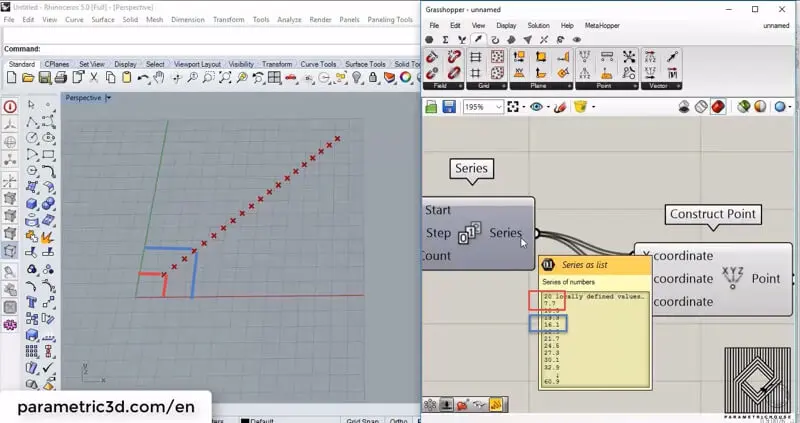
By connecting the series output to the x and y coordinate of the “construct point” we will have a series of points which their x andy coordinate are the same. This happens because Grasshopper will produce data based on corresponding data. this has been shown below.
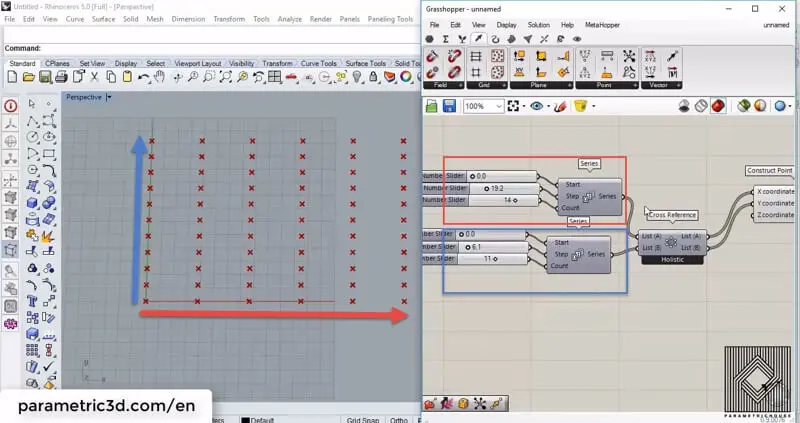
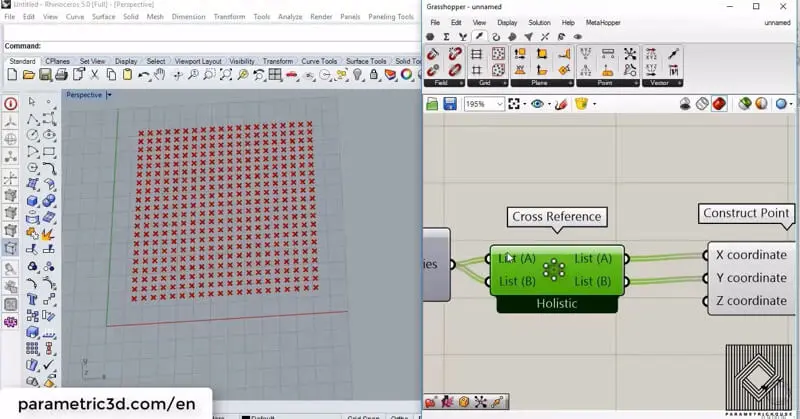
To produce an array of points, we can use a tool called “Cross Reference” (Sets>List). The meaning of “Cross reference” before “construct point” is that we are telling Grasshopper 3d to combine each row of data with all the other rows. so if we have a series of numbers like :
and we “cross reference” the numbers, to the x and y coordinate of a point, we will have:
This is how we show all of the possible combinations of a series of numbers in a point and basically we get an array of points by that.
By using two series of numbers you can control the array in both x and y direction.
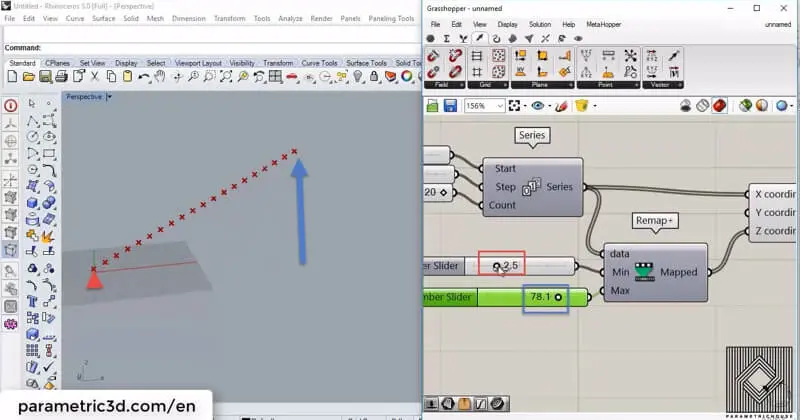
By using a new tool called “Remap+”, which I have made from “remap numbers”, “Bounds” and “construct domain”, you can control the minimum and maximum bounds of the series. You can download it HERE. If we remap the output of the series to the desired domain and connect it to the z coordinate of the point, we can control the heights.
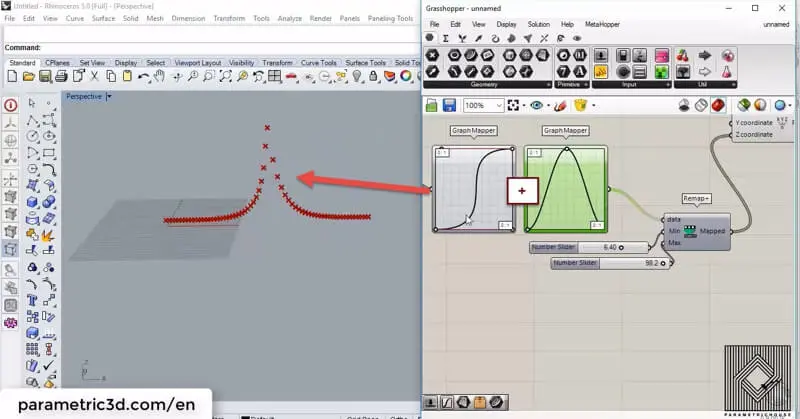
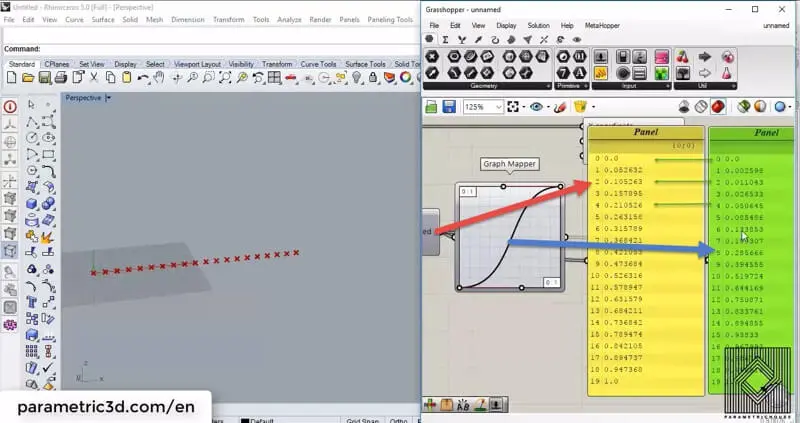
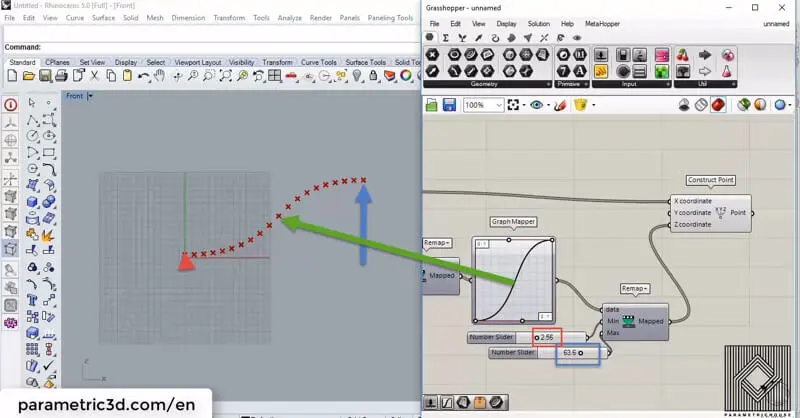
To get a more parametric output we can use another tool in a combination of Remap+. By giving the output to “Graph mapper” (Params>Input) we are actually changing the distribution of the numbers in the series. each number is projected from the x-axis to the graph and then projected to the y-axis to obtain a new number.
the distribution change of data is shown below.
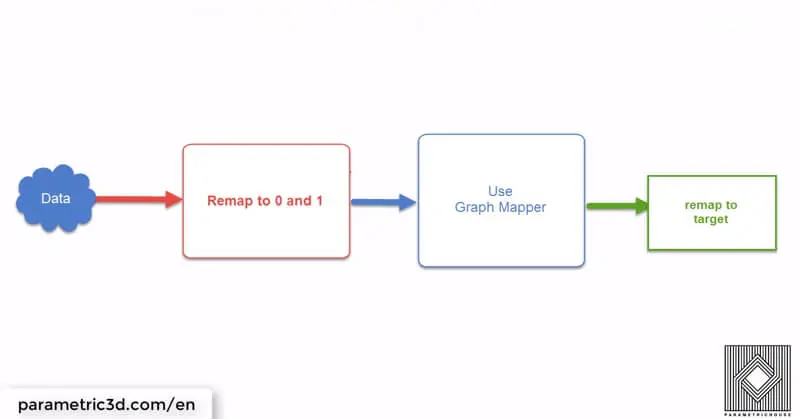
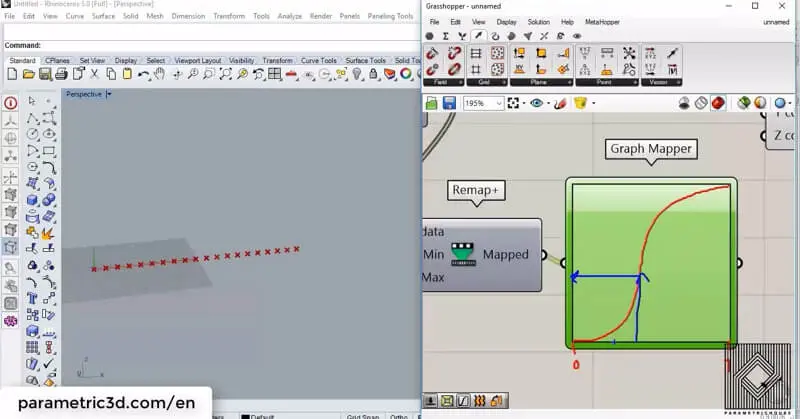
By using a beautiful technique, you can get the graph affect your data as desired. The first step is to remap your numbers to 0 and 1. Once they are in the “Graph mapper’s” default domain you can change the distribution by a graph mapper and then remap the numbers (or scale them!) back to the target domain.
By using this technique we can make the points look similar to the graph and scale them to the minimum and maximum range desired.
The good news is that you can combine as many “graph mapper”s as you want!
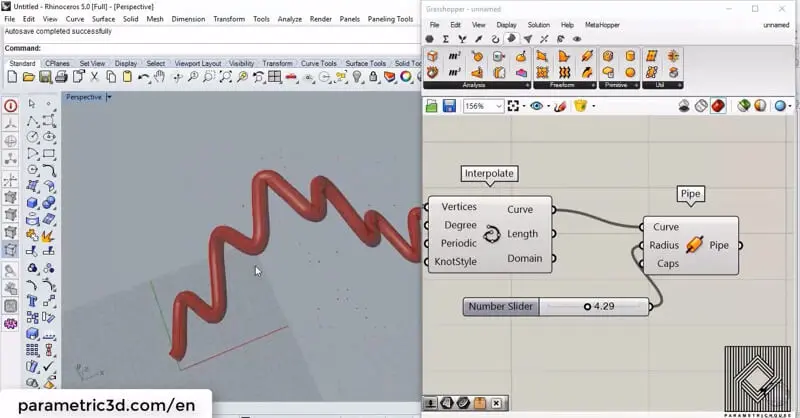
If we connect the points together by “Interpolate” (Curve>Spline) we can form a NURBS curve from the points. We can also connect a “Pipe”(Surface>Freeform) to the curve and make the results more visual.
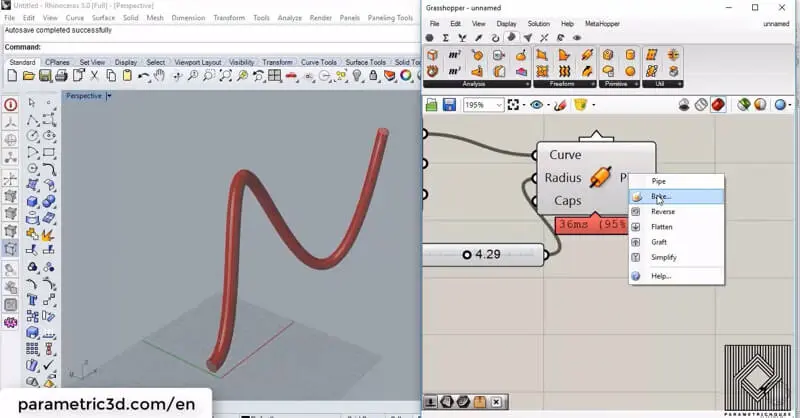
You can right click on the output (for example pipe or curve) and bake it so you can have more control on the geometry in Rhino.
You can find Series in Sets> Sequence section of the tools. It’s located under Range and Similar tools are Random, Fibonacci and Sequence. This tutorial is about how series can help you produce parametric geometry.first of all, you can easily search “SER”, to find the series.

In this Kangaroo Grasshopper tutorial, you’ll learn how to create a differential growth pattern on any mesh surface by projecting
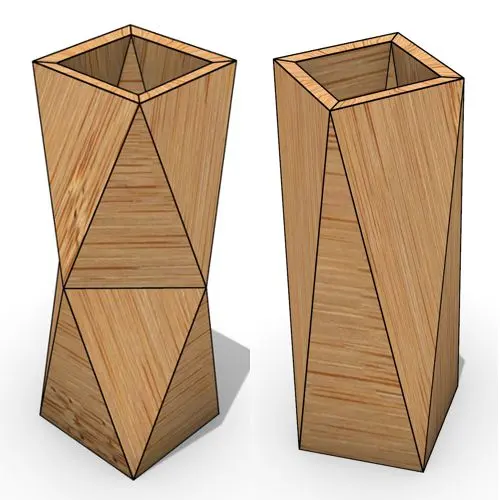
In this Grasshopper beginner tutorial, you’ll learn how to design a parametric vase with triangular faces, fully controllable height, thickness,
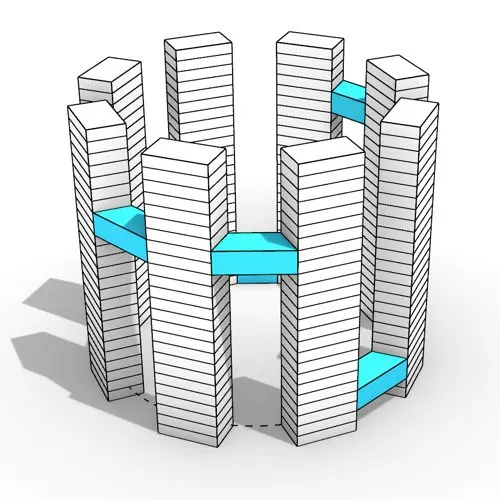
In this Grasshopper tutorial, you’ll learn how to design a series of parametric towers arranged around a curve and connect

In this Grasshopper tutorial, you’ll learn how to design a parametric wall using solid difference and contour techniques.

In this Grasshopper example file, you can model an exoskeleton Mesh structure with entwined curves parametrically.

In this Rhino Grasshopper tutorial for beginners, you’ll learn how to model a parametric Voronoi MultiPipe SubD structure on a
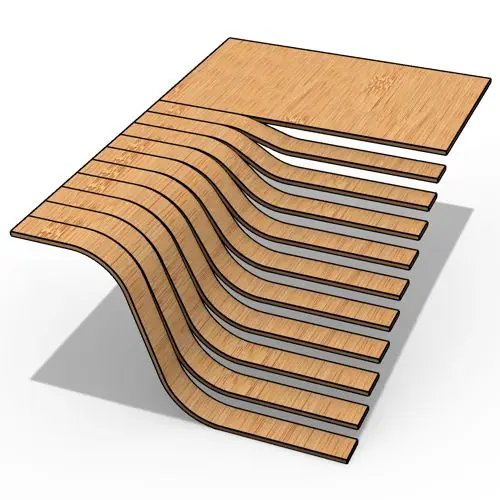
In this Grasshopper tutorial, you’ll learn how to create a parametric form by defining a base polygon and converting it
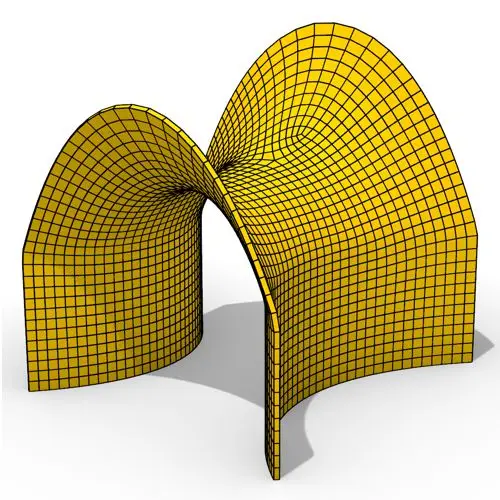
In this Grasshopper tutorial, you’ll learn how to create a minimal surface generated from a series of catenary curves using
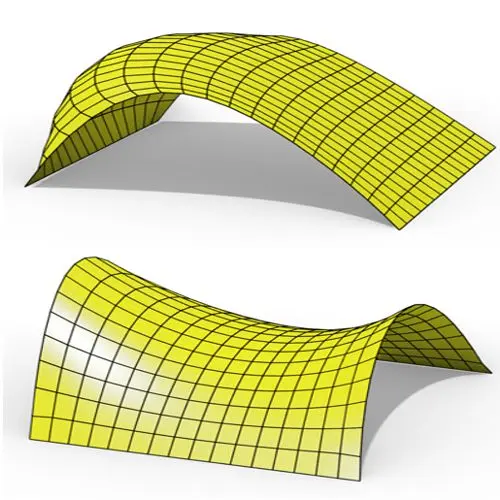
In this Grasshopper Kangaroo tutorial, you’ll learn how to create a parametric mesh and deform it using wind forces and
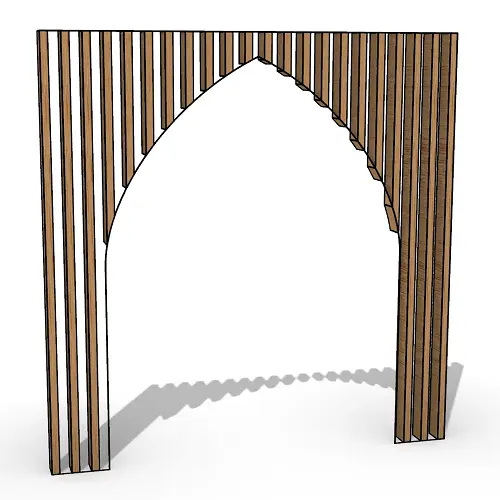
In this Grasshopper tutorial, you’ll learn how to create a simple two-layer Vierendeel space frame structure by defining any four-sided

In this Grasshopper Voronoi tutorial, you’ll learn how to create a parametric mesh generated from random or controllable Voronoi cells

In this Grasshopper tutorial, you’ll learn how to create a dynamic parametric mesh using section curves and Kangaroo physics to

In this Grasshopper tutorial for beginners, you will learn how to design a parametric tower defined by four control points

In this Grasshopper tutorial for beginners, you will learn how to design a parametric facade composed of modular openings.

In this Grasshopper tutorial because we know how to convert a series of lines to a frame now we can

In this Rhino Grasshopper Script, you can model a parametric brick wall by defining a base curve

In this Grasshopper Python Lesson, we are going to talk more about the basics and how to use Print and

In this Rhino Grasshopper Tutorial we are going to learn how to make a series of rotating lines around two

In this Paracourse Lesson (25 Minutes), You can learn how to model a parametric vase by using a Perlin Noise
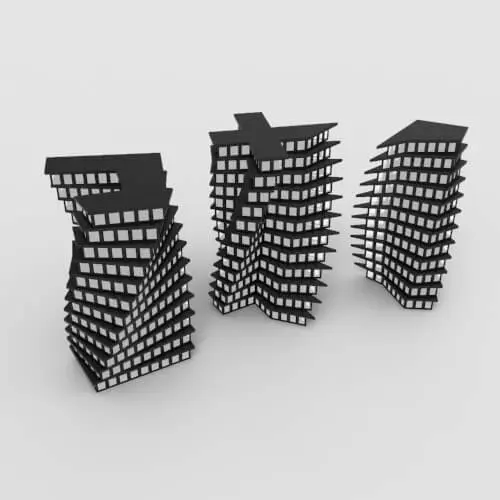
In this Grasshopper lesson, I will talk about managing output data with a turning tower example. First I,m going to
In the introductory lesson, we’ll explore the Grasshopper 1.0 canvas and familiarize ourselves with its fundamental features.
Now we have learned the basics of the canvas we will take a look at the most important aspect of
Now we will learn how to manage data with more tools like list length , partition list and simplify.
After learning about the Partition list, it’s time to learn how to destroy the data trees with flatten and also
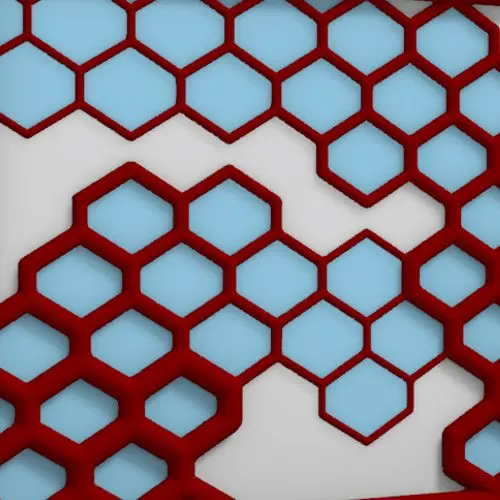
In this Grasshopper example file, you can design a parametric facade with variable-thickness hexagonal cells.
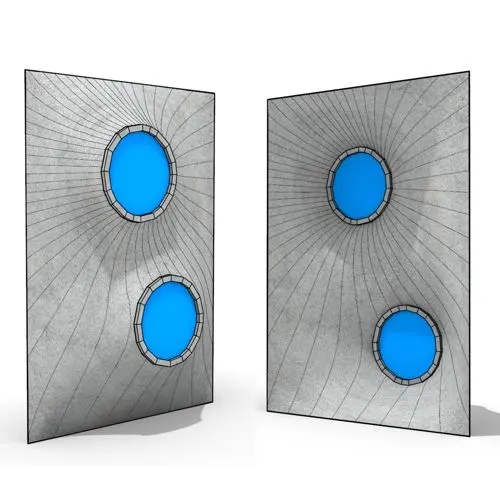
In this Grasshopper example file, you can model and simulate a parametric facade with free-form openings using the mesh relaxation
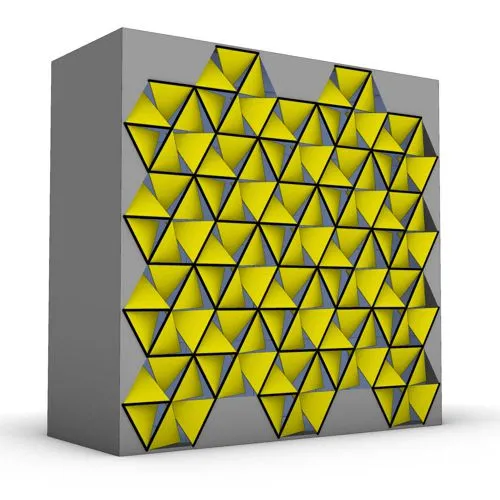
In this grasshopper example file, you can use a hexagonal module to model a parametric facade.
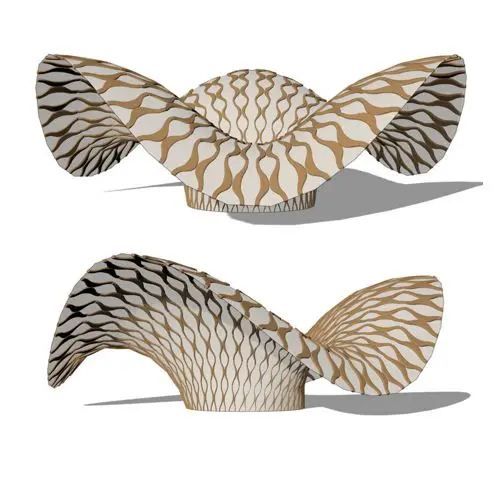
In this grasshopper example file, you can use the morph components to apply a 3d wave pattern on a mesh.
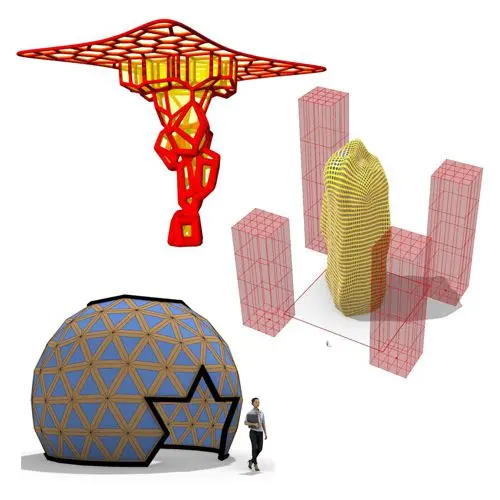
In these Grasshopper example files, you can design a parametric geodesic dome with customizable openings, generate optimized tower forms using

In this Grasshopper example file, you can create relaxing Voronoi cells on a facade , a blobby form with a

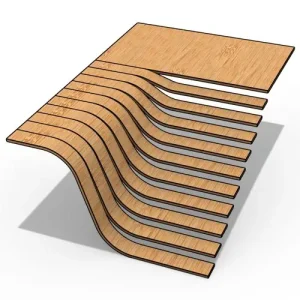
In this Grasshopper Kangaroo tutorial, you’ll learn how to generate an inflated mesh around a network of interconnected lines using

In this Grasshopper Kangaroo tutorial, you’ll learn how to inflate a mesh by defining boundary curves and specifying fixed curve

In this Grasshopper Kangaroo tutorial, you’ll learn how to create a series of tensile structures between two profile curves and
Automate and adjust dimensions in Grasshopper with the new Aligned Dimension component in Rhino 8. Ensure real-time accuracy and precision
Easily detect kinks and sharp transitions in curves with the Discontinuity component in Grasshopper! Identify and split curves precisely where
Easily merge multiple polysurfaces into a single brep with the Append Polysurfaces component in Pufferfish! Ideal for capping, offsets, and
Easily manage repetitive models with the Model Block Instance component in Rhino 8. Duplicate block instances efficiently while maintaining precision

Struggling with Flip Matrix errors in complex data trees? Use the Path Mapper to reorganize data with custom rules and

Discover the key differences between Divide Length and Divide Distance in Grasshopper. Learn how these components handle straight and non-linear
Parametric Ideas for Architects @2025
This tutorial or example file is exclusive to Paracourse Members.
Paracourse is an extensive library of video tutorials and example files, designed to guide you through your parametric design journey. With over 1,500 open example files & 600 Video Tutorials, you can freely edit and adapt them for your projects—no credit required.

Learn parametric design from scratch with over 100 hours of step-by-step tutorials, covering beginner to intermediate levels. Master components and their use in the design process.

Explore our open-to-edit .gh files to see how each subject is designed parametrically using Grasshopper3D. Freely adapt them for your projects—no credit required.

Delve into complete algorithms with our advanced tutorials. Learn the logic behind each step, understand how the parts work together, and see how to apply them effectively in your designs.
Grasshopper empowers architects and designers to create sophisticated, customizable designs with ease.
Architects, industrial designers, artists, and anyone passionate about parametric design will find value in this course.
With diverse tutorials and open example files, you’ll have everything you need to tackle any design challenge.
Mastering Grasshopper with Paracourse can significantly enhance your career prospects.
Reviews
There are no reviews yet.